Charging Cables
1. Insert the communication cable.
2. Insert and rotate the charge cable quick connectors clockwise 180˚ to lock them onto the Quick Connector Locking Post on the charger.
NOTE: Pre-twist the charge cables counterclockwise before installing in order to avoid putting excess strain on the cables.
3. The connection process is complete when all three cables are connected to the charger.
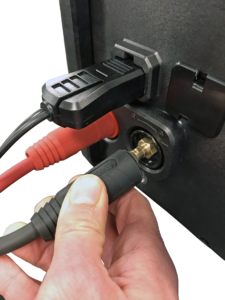
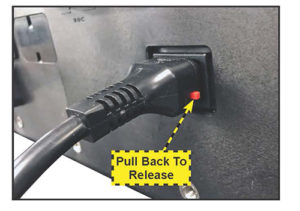
Locking Power Cord
Pull back on the red tab on the side of the connector to release/remove the power cord from the charger’s power socket.
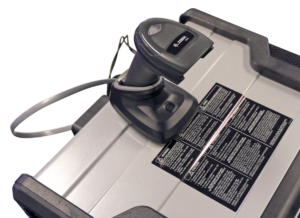
Wireless Barcode Scanner Cable
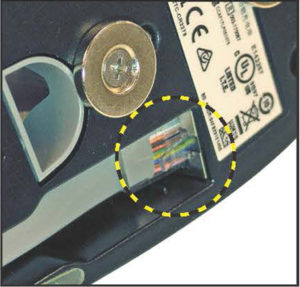
1. Insert the RJ50 connector in the bottom of the scanner base.
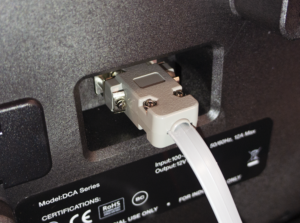
2. With a flat blade screwdriver, pry off the plastic cover over the DB9 connection on the back of the charger.
3. Use the screws on the DB9 connector to secure the cable from the dock to the charger.