
Use History to access the tool usage history or a vehicle history based on VIN. The Search function can also be used to find test records for specific vehicles and technicians.
At the Main Menu, Tap History. By default the Tool History screen is displayed.

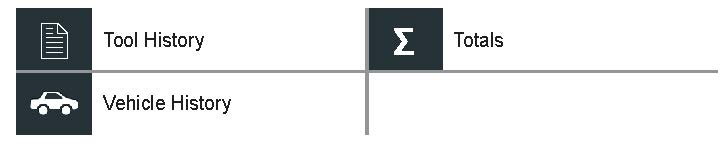
Tool History
Use Tool History to view test total history. Individual test results are also displayed.
Tools By Test Decision
| Good Battery | Replace Battery |
| Good Recharge | Bad Cell / Short Replace |
| Aborted |
Tools By Charge Decision
| Good Battery | Replace Battery |
| Good Recharge | Bad Cell / Short Replace |
| Aborted | NO DECISION |
Totals By Test Type
| Advanced Battery Test | PDS/PDI |
| Power Supply | Boost Charge |
| Manual Charge |
Totals By Date And Location
| Last 7 Days | In Vehicle |
| Last 30 Days | Out of Vehicle |
| Last 90 Days |
Vehicle History
Vehicle History displays test totals conducted on specific vehicles, based on the VIN. It is also possible to enter a VIN to search for test records for a specific vehicle by tapping the displayed buttons.
Tap on the records displayed on the right side of the screen to view the individual test results.
NOTE: Refer to the Test Results Decision Tables article for a complete explanation of possible test results.
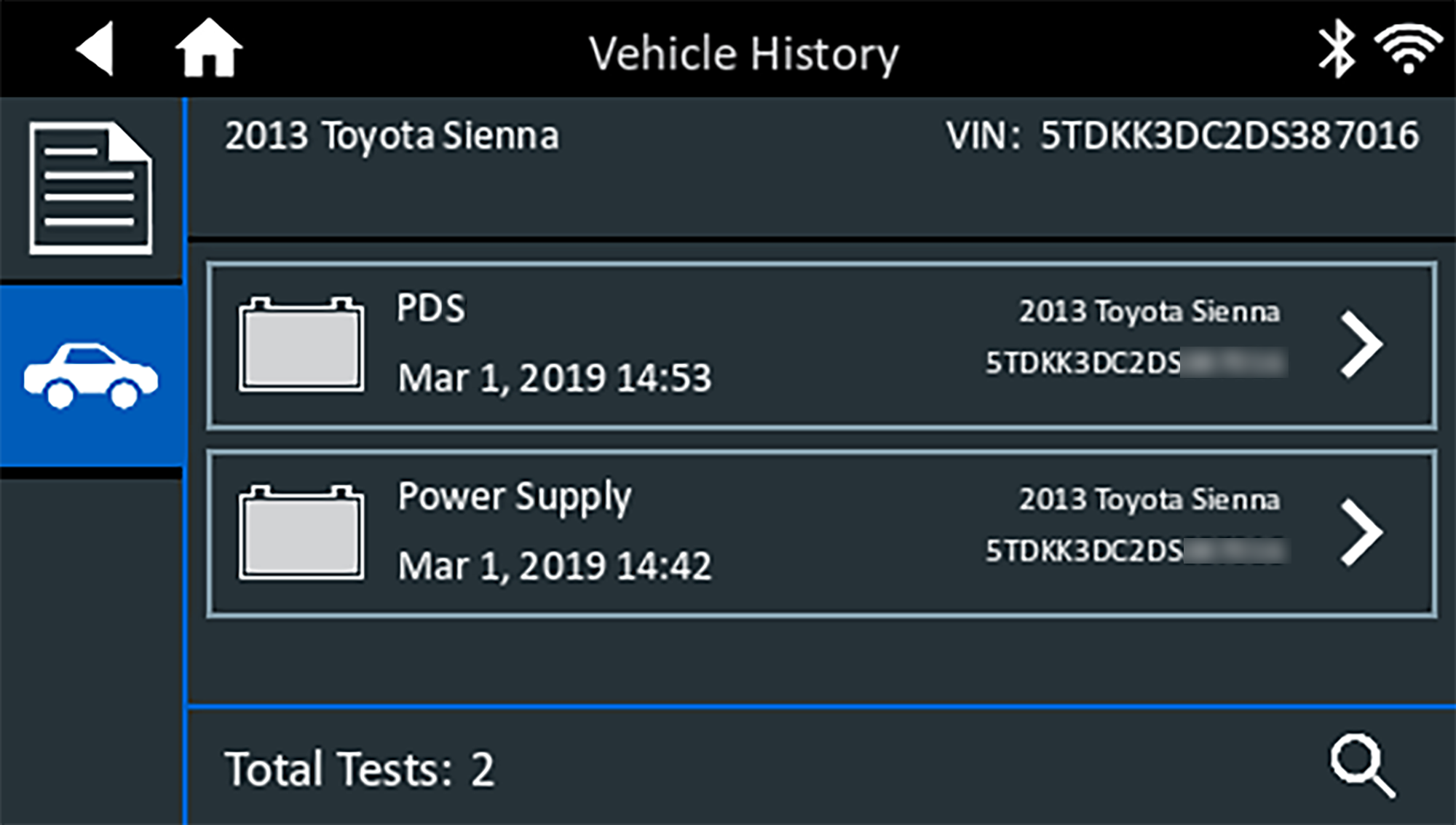
Vehicle Select Options
Tap  to select Vehicle Search option.
- Manual VIN Lookup: Use the on-screen keypad to manually type the 17-digit VIN and tap Next.
- VIN Scan: Use a connected scanner to capture a VIN barcode, usually located on the driver’s side door frame.
- Search: Search records by Vehicle Year, Make, and Model.