
The Messages function displays alerts and notifications for upcoming tests and activities. This includes scheduled testing as well as tool software updates and maintenance opportunities.

Tap:

to return to the previous screen, or

to return to the Main Menu
===================================================================
IMPORTANT: An alert is displayed when tester has not communicated with BMIS for more than 24 hours. The “No” option is not available for 30 seconds.
The DCA-8000 will automatically lock-out and the user will not be able to use the tool if:
1) Tool is not connected to WiFi for 10 or more days; or
2) An available software update is not installed after 10 or more days
===================================================================
Accessing Messages
 A number is displayed next to the Messages icon when the charger has received any critical messages. The number does not include non-critical Notifications.

1. Tap Messages on the Main Menu screen.
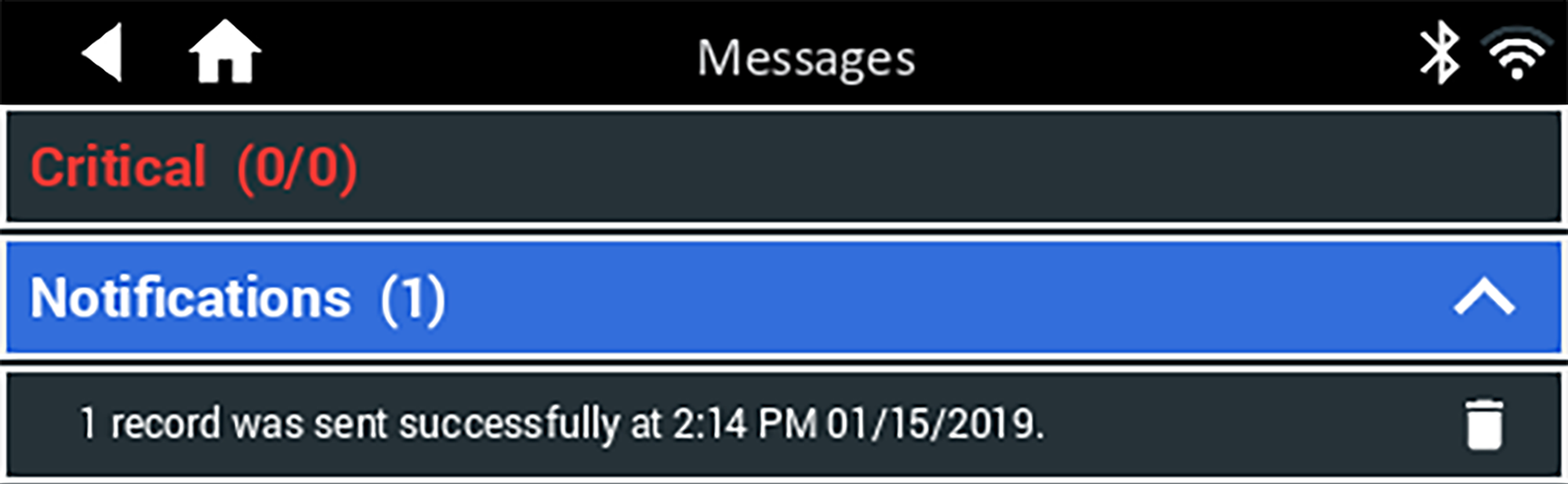
2. Tap:
 to read a message
 to perform the message action item
 to delete a message
3. Tap:
∧ to collapse a list of messages, or
∨ to expand the list
Message Types
Critical: An important action cannot be performed and may require user action
Notifications: Indicates an action has been performed or data has been sent