
VIN Scanning
For scanning VINs, the DCA-8000 Diagnostic Charger uses a hand-held wireless barcode scanner. The base of the barcode scanner is connected to the back of the scanner using a DB9-style connector.
Scanning Tips
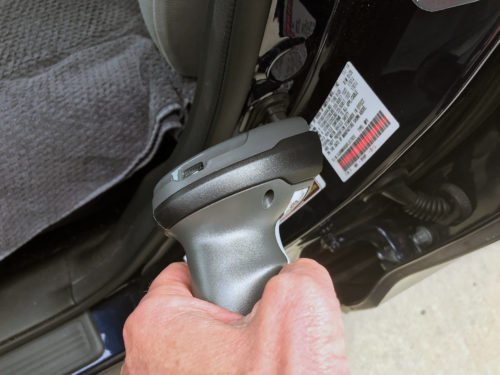
- If the barcode scanner light beeps 4 times and the red light turns on, scan the barcode on the bottom of the base to pair the devices.
- To charge the scanner, make sure the DCA is plugged in to power and the base of the scanner is plugged in to the DCA.