Use Advanced Battery Test to perform Battery Tests on in-vehicle batteries based on test parameters entered by the user. A System Test is also available.
At any time during the test, tap  to return to the previous screen; or
  to return to the Main Menu.
Inspecting the Battery
Before starting the test visually inspect the battery for:
- Cracked, buckled, or leaking case. If you see any of these defects, replace the battery.
- Corroded, loose, or damaged cables and connections. Repair or replace them as needed.
- Corrosion on the battery terminals, and dirt or acid on the case top. Clean the case and terminals using a wire brush and a mixture of water and baking soda.
- Low electrolyte level. If the electrolyte level is low, add distilled water to fill up to 1/2″ above the top of the plates and fully charge the battery. Do not overfill.
- Corroded or loose battery tray and hold-down fixture. Tighten or replace as needed.
Connecting to the Battery
Connect the charging clamps to the battery in accordance with all precautions and safety instructions. Do not connect either clamp to the vehicle’s chassis.
Connect the Red clamp to the positive ( + ) terminal and the Black clamp to the negative ( – ) terminal. An alert is displayed if the clamps are reversed on the battery terminals.
Make sure both sides of the clamps are firmly gripping the terminals. A poor connection will prevent testing, and the diagnostic charger will display the message CHECK CONNECTION. If the message re-appears after you have correctly reconnected the clamps, clean the terminals and reconnect.
Battery Test
- Connect the charger clamps to the appropriate battery posts.
- At the Main Menu, tap Advanced Battery Test. The Acquire VIN screen is displayed.
- Use a connected bar code scanner to scan the VIN bar code, usually located on the driver’s side door frame. For best results, scan the barcode located on the driver’s side door frame. A two-tone beep indicates the scan was successful. A single beep indicates the barcode was not successfully scanned.
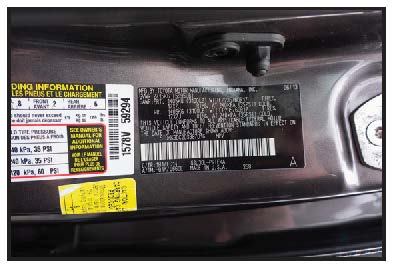
Manual Entry: Use the on-screen keypad to manually type the 17-digit VIN — the displayed digit counter will count up the alphanumeric characters as they are entered on the keypad. Tap NEXT.

NOTE: See the Recommended Scanning Procedure article for VIN scanning help and tips.
4. At the Edit Battery Info screen, tap on the corresponding box to edit the parameter information.
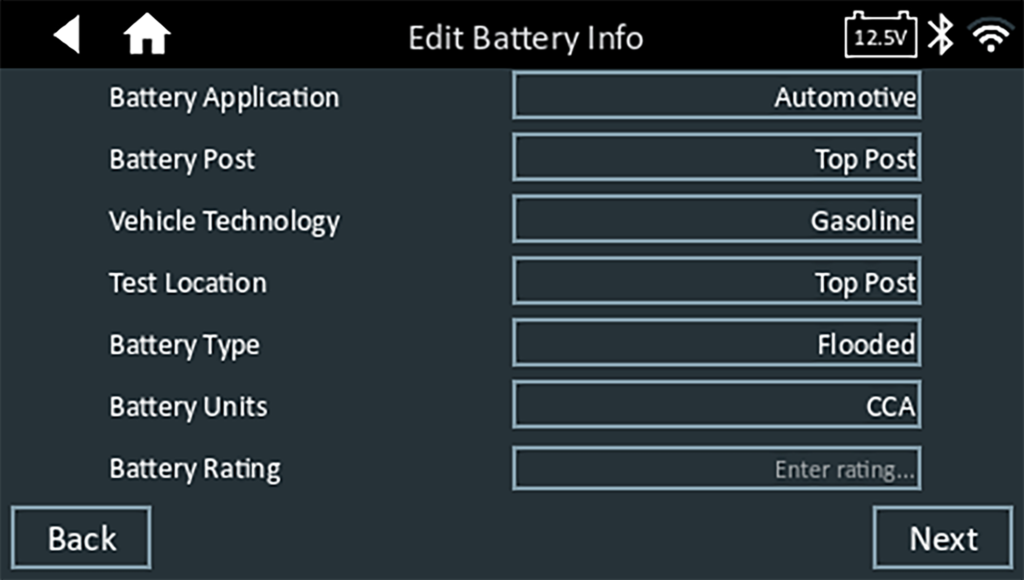
NOTE: The Battery Type, Units, and Rating fields must be filled in before proceeding.
5. Tap Continue to begin the Battery Test or Reset to reset the parameters.
The test results are then displayed on the charger screen.
Battery Test Results
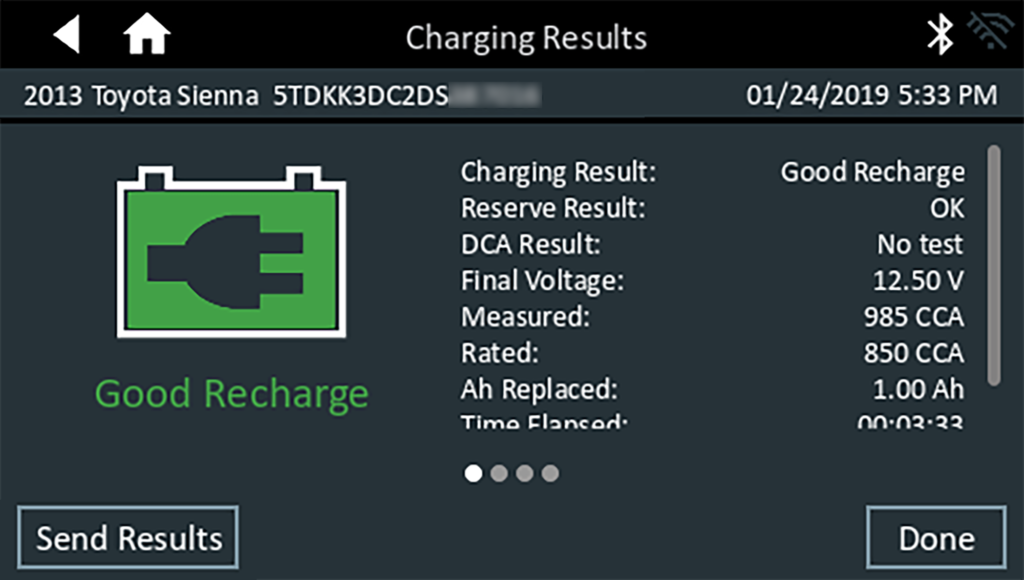
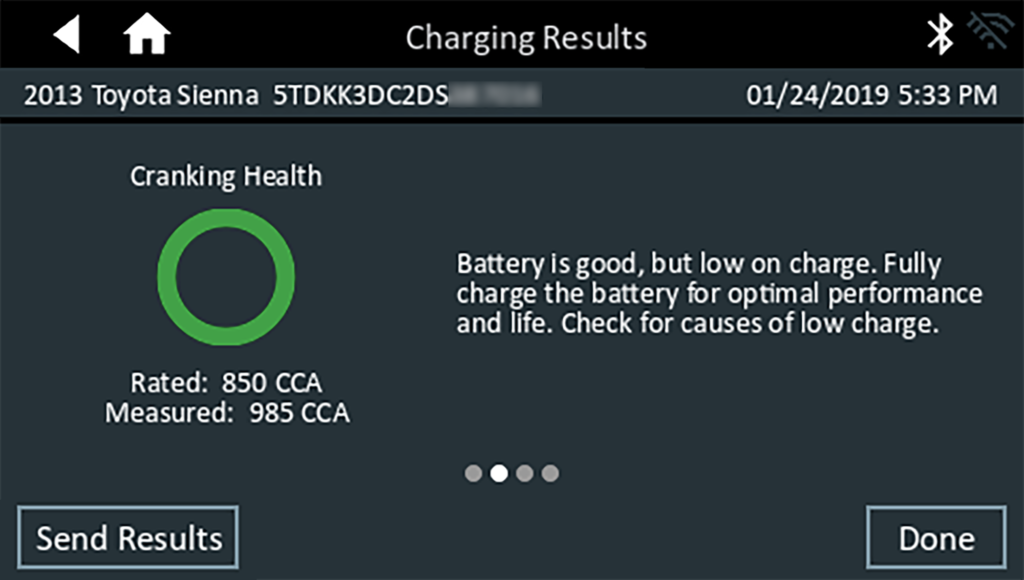
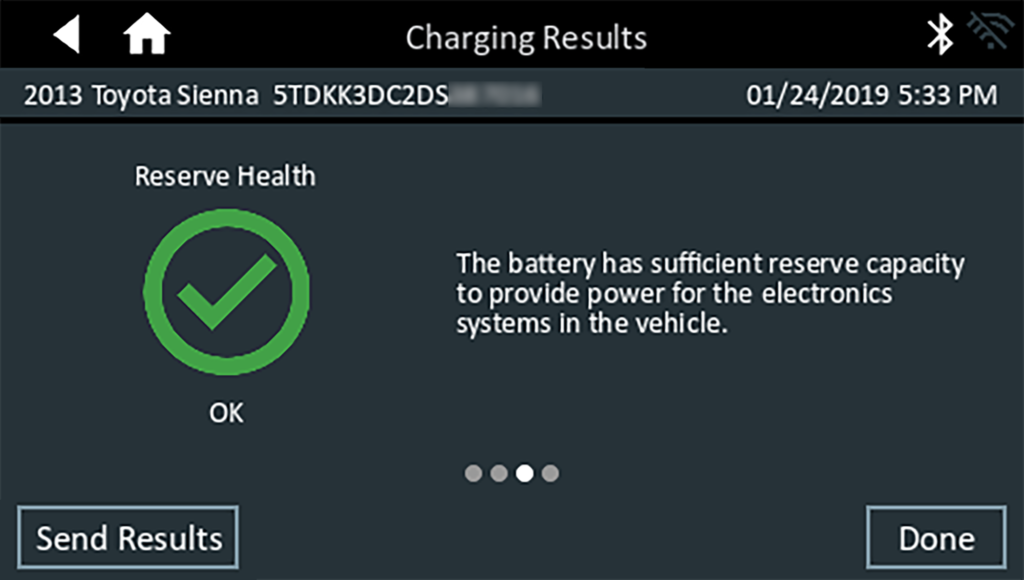
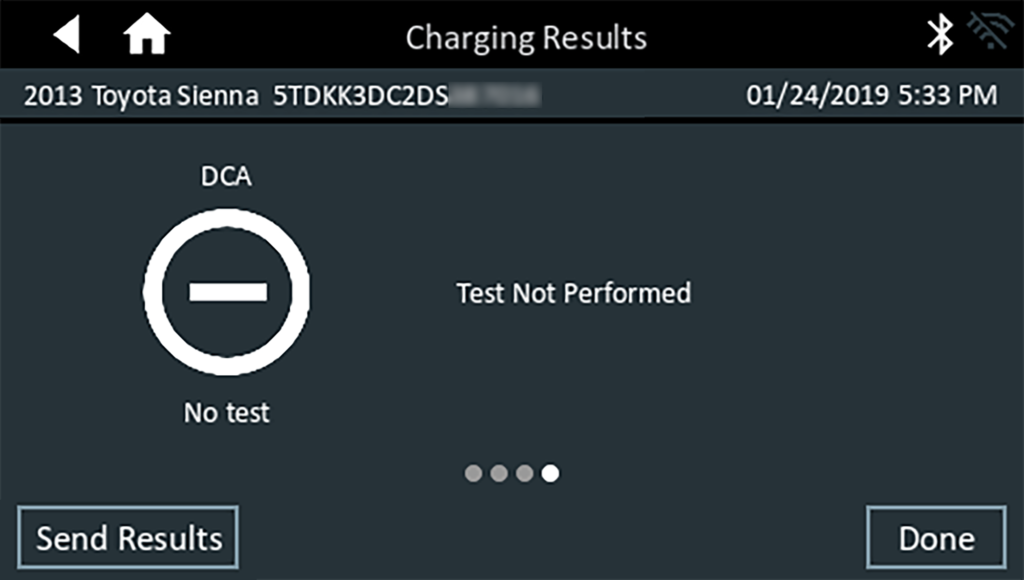
Icons are color-coded to indicate status:

To print or send the test to a configured printer or via email, tap Send Results and select an option. To continue with the System Test, tap System Test. To return to the Home Screen, tap Done.
System Test
- Start the engine and let it idle.
- Turn off all electrical accessories such as headlights and the interior ventilation blower fan and tap Next.
- The diagnostic charger tests the alternator output at idle.
- When prompted, rev and hold the engine to between 2000 to 3000 RPM and tap Next. The diagnostic charger tests the alternator output again.
- Idle the engine when prompted.
- Turn on the high beam headlights and interior ventilation blower motor and tap Next.
- The diagnostic charger tests the alternator output at idle.
- When prompted, rev and hold the engine to between 2000 to 3000 RPM and tap Next.
- The diagnostic charger tests the alternator output again.
- When prompted, turn off all loads and idle the engine.
- Tap Next to display the test results.
System Test Results
A Test Results Summary screen is displayed following a System Test. Tap

to view detailed test results for each part of the test.


To send the test results to a configured printer or via email, tap Send Results and select an option. To return to the Home Screen, tap Done or to return to the Main Menu.
NOTE: Refer to the Test Results Decision Tables article for a complete definition of possible test results.
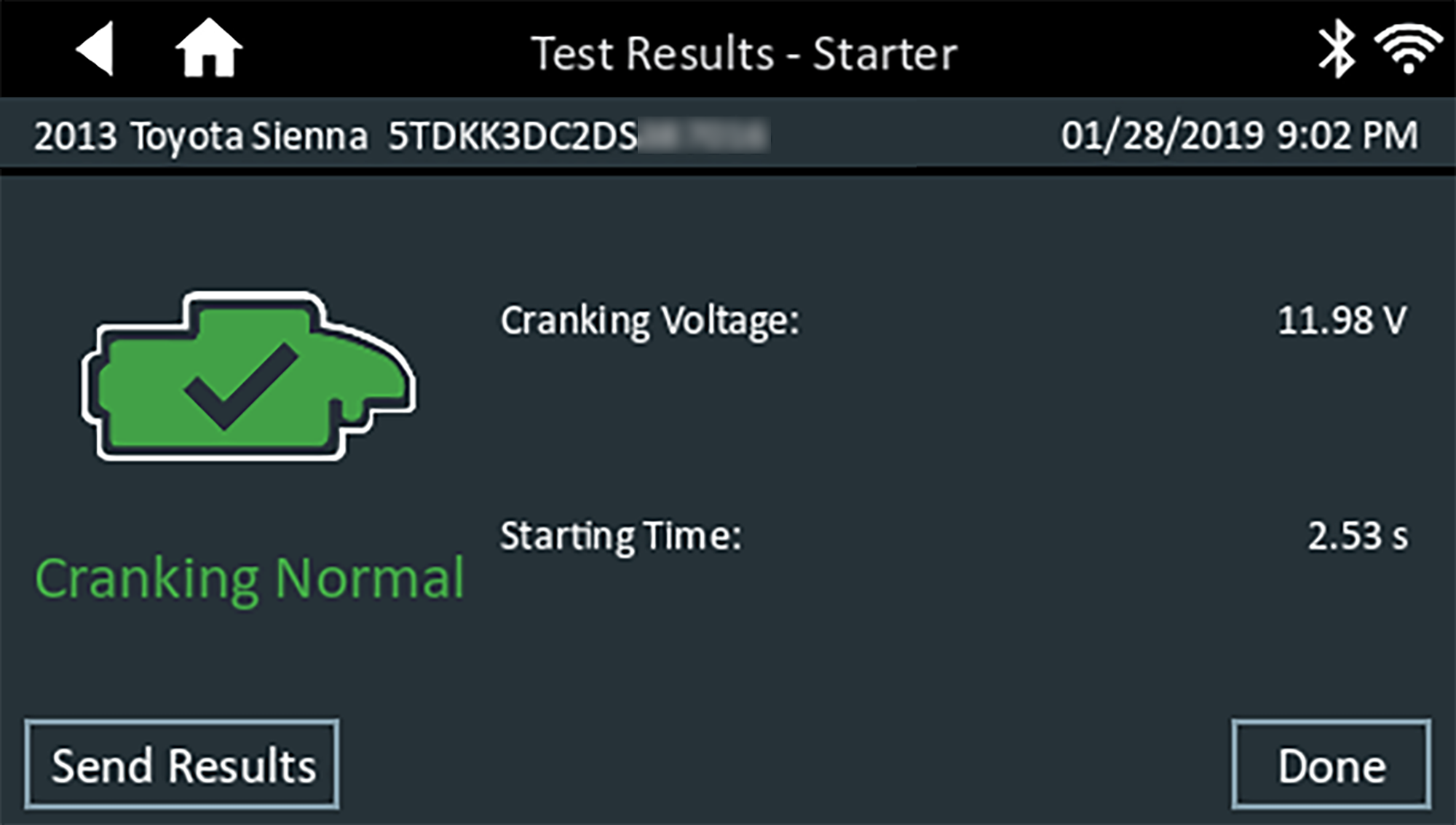
Starter Test Results
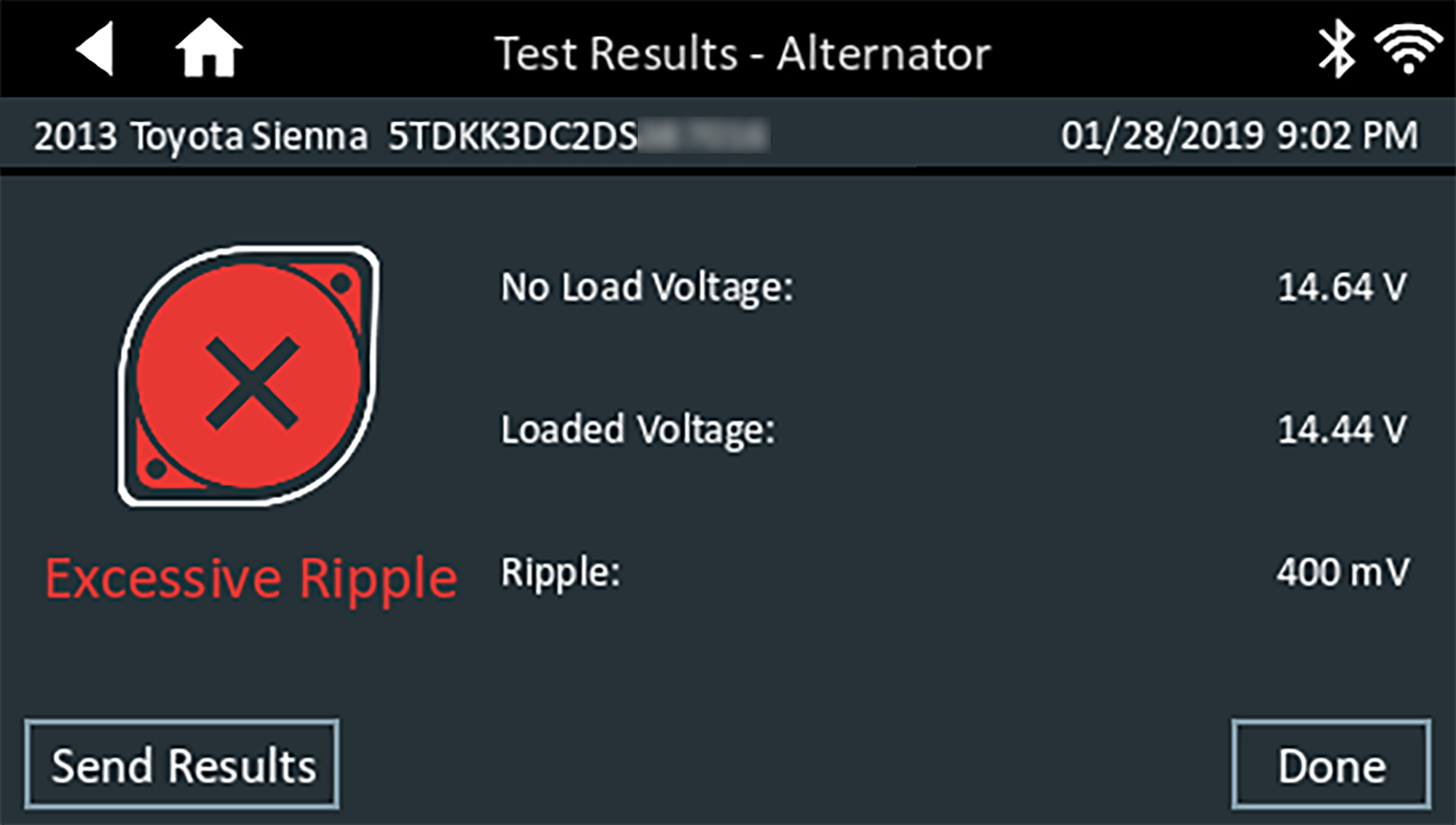
Alternator Test Results